
Whether you are a seasoned crafter or just unboxing your very first Cricut Explore or Silhouette Cameo, you have likely heard the term “SVG file” dozens of times. But what exactly are they, and why are they considered the “holy grail” of digital crafting?
At SVG Empire, we believe that understanding your tools is the first step to creating masterpieces. In this ultimate guide, we’re going to demystify SVG cut files and show you exactly how to use them to take your craft projects from “simple” to “spectacular.”
What is an SVG File and Why Does It Matter?
SVG stands for Scalable Vector Graphics. In the simplest terms, it’s a digital image format designed specifically for cutting machines.
But what makes them different from a regular image (like a PNG or JPG photo)?
- Infinite Scalability (Infinite Detail): Think of a photo (PNG) like a grid of tiny colored dots. When you try to make it bigger, those dots get bigger, and the image becomes blurry (pixelated). SVGs are different. They are not made of dots; they are made of mathematical paths (lines and curves). This means you can scale an SVG design to be the size of a postage stamp or the size of a billboard, and the lines will remain perfectly sharp and clean. No jagged edges, ever.
- The Key to Precision Cutting: Because SVGs are based on paths, your Cricut or Silhouette machine knows exactly where to guide its blade. This results in incredibly precise and intricate cuts that would be impossible with a standard raster image.
- Logical Layers: Most SVG designs are organized into layers (colors or elements). This allows you to easily change colors, hide certain parts of the design, or prepare different mats for multi-colored projects with just one click.
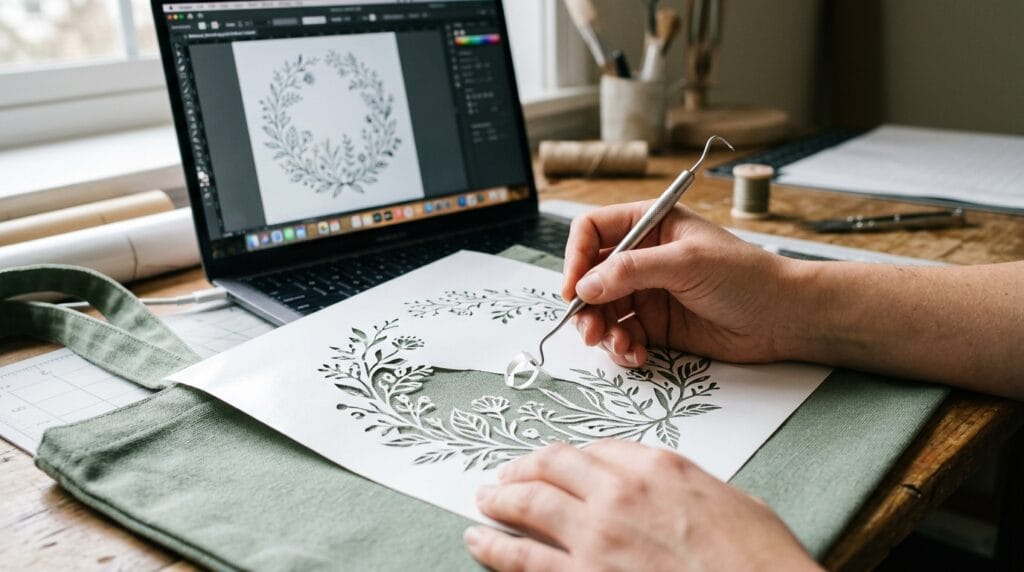
The Essential Files Found in a Digital Crafter’s Kit
When you purchase a design bundle from a reputable seller like SVG Empire, you often receive several file formats. Here’s a quick cheat sheet on what they are and when to use them:
- SVG (Vector): Use this for everything! It is the primary file for cutting software (Cricut Design Space, Silhouette Studio Designer Edition). It has layers and infinite scalability.
- PNG (Raster with Transparent Background): Use this for “Print Then Cut” projects, sublimations, digital scrapbooking, or showing off your design mockups.
- EPS (Vector): Often included for professional graphic designers or users with older or different software (like Adobe Illustrator).
- DXF (Vector): The essential file for users with the free “Basic Edition” of Silhouette Studio, as the free version does not support SVGs.
Step-by-Step: How to Upload an SVG to Cricut Design Space
- Download & Extract: After purchasing, always download your file to your computer. Most digital purchases come in a “ZIP” file to save space. You must extract (unzip) the file before you can use the SVGs inside. (Usually, this is done by right-clicking the ZIP file and selecting “Extract All”).
- Open Cricut Design Space: Create a new project.
- Upload Image: Click the “Upload” button on the left panel, and then select “Upload Image.”
- Browse: Click “Browse” and navigate to the folder where you saved the extracted files.
- Select the SVG: Make sure you select the file ending in
.svg. (Tip: Sometimes on Windows computers, the icon for an SVG will look like an internet browser icon like Chrome or Microsoft Edge. This is normal! The browser is just the default program for viewing them on your computer). - Save & Add to Canvas: Once uploaded, you will see a preview. Click “Save” and then select the new image from your library to “Add to Canvas.”
Now, your design is perfectly loaded with clean cut lines and layers, ready to be resized and cut!
The SVG Empire Difference: Why Quality Matters
Not all SVGs are created equal. Poorly designed files can have invisible gaps, overlapping cut lines, or messy paths that confuse your machine, leading to shredded paper, wasted vinyl, and frustration.
At SVG Empire, our goal is to eliminate that frustration. Our designs are meticulously hand-drawn and optimized for cutting software to ensure perfect, precise cuts every single time.
Ready to create something beautiful with confidence? svgempire.com/shop and discover a world of premium designs created by crafters, for crafters.